Help article
Signing In and Signing Out
Updated 2026-04-19
Signing into Portage
To sign into Portage, visit https://app.portage.so/signin.
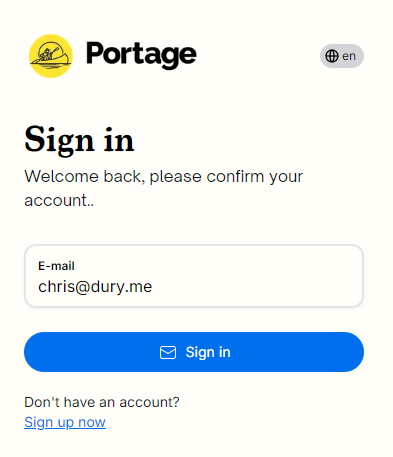
Portage Sign In
Enter the email address associated with your account and then click "sign in"
A secure code will arrive in your inbox shortly from "accounts@portage.so". If it doesn't make sure to check your Spam folder.
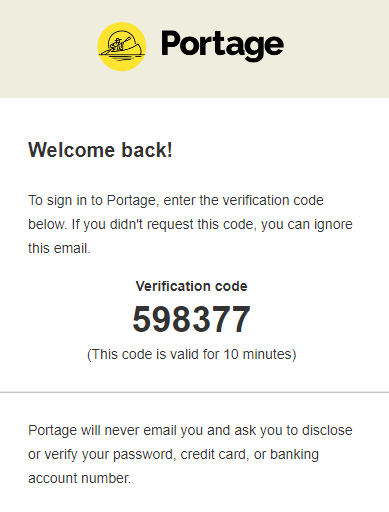
An example email verification code
Copy the code to the clipboard and then return to the Portage Sign In page:
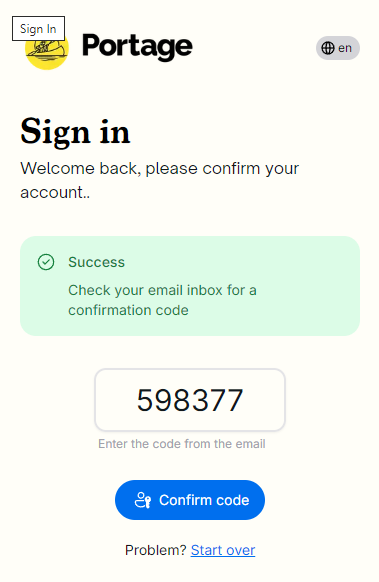
Confirm the email code
Enter the code and click "Confirm code"
Signing out of Portage
To sign out of Portage, click the avatar icon at the bottom of the left-side menu, and then click "Sign out":
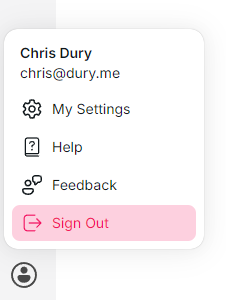
Sign out
You will then be signed out.