Help article
Billing, invoices and payments
Updated 2026-04-19
Portage uses Stripe as a payment and billing processor, so you will need to access a portal provided by Stripe to manage your subscription and payment details.
To access your Subscription Details:
- Click the avatar icon in the main menu
- Click "My settings" (or visit https://app.portage.so/settings)
- Click the "Billing" tab (or visit https://app.portage.so/settings?tab=billing)
- Click the "Manage" button under the Actions column in the Subscriptions table
The Stripe Billing portal will open where you can manage your payment methods, billing information and access past invoices:
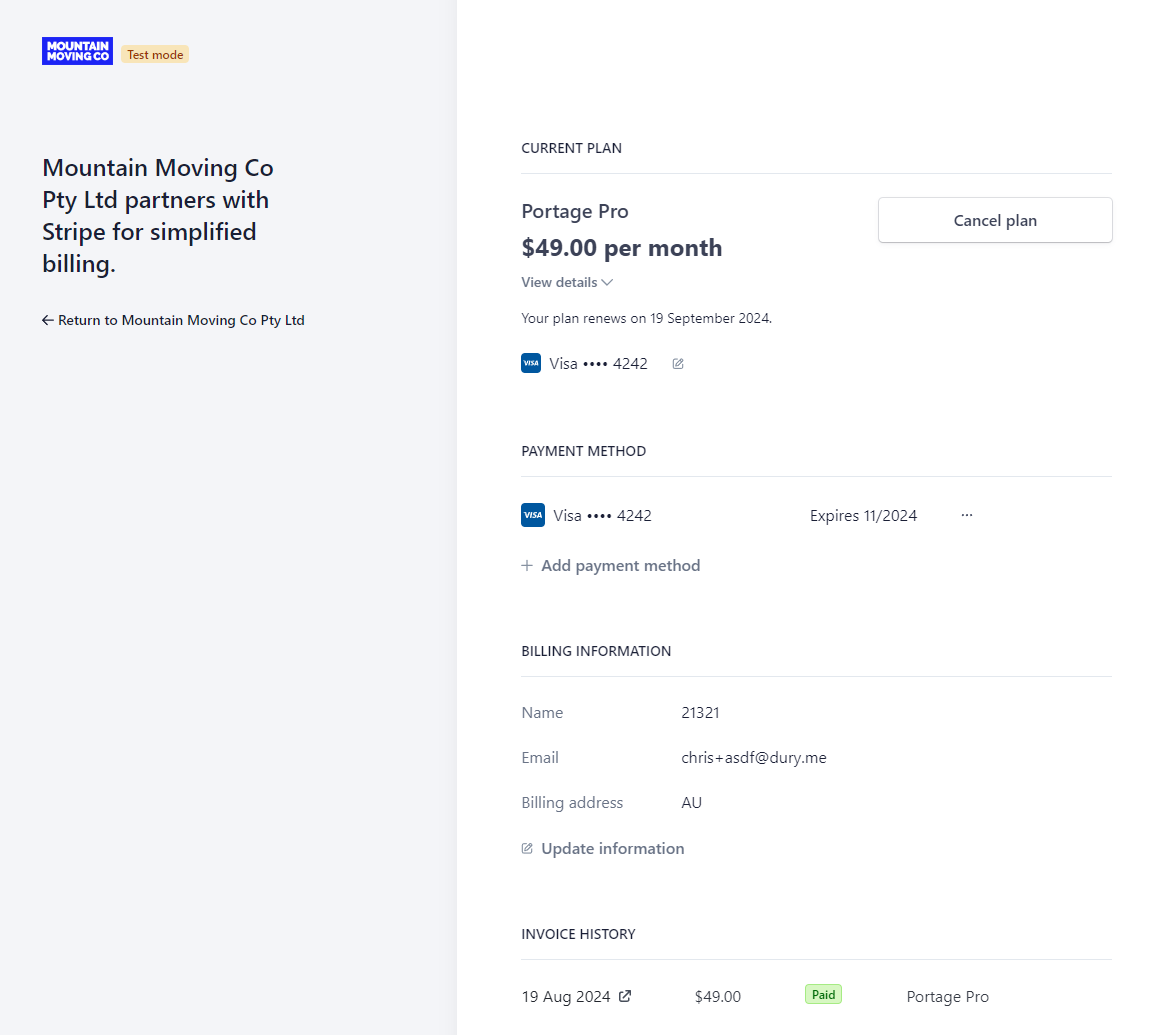
The Stripe Billing Portal